 Follow Us on Google News
 Follow Us on Google Discover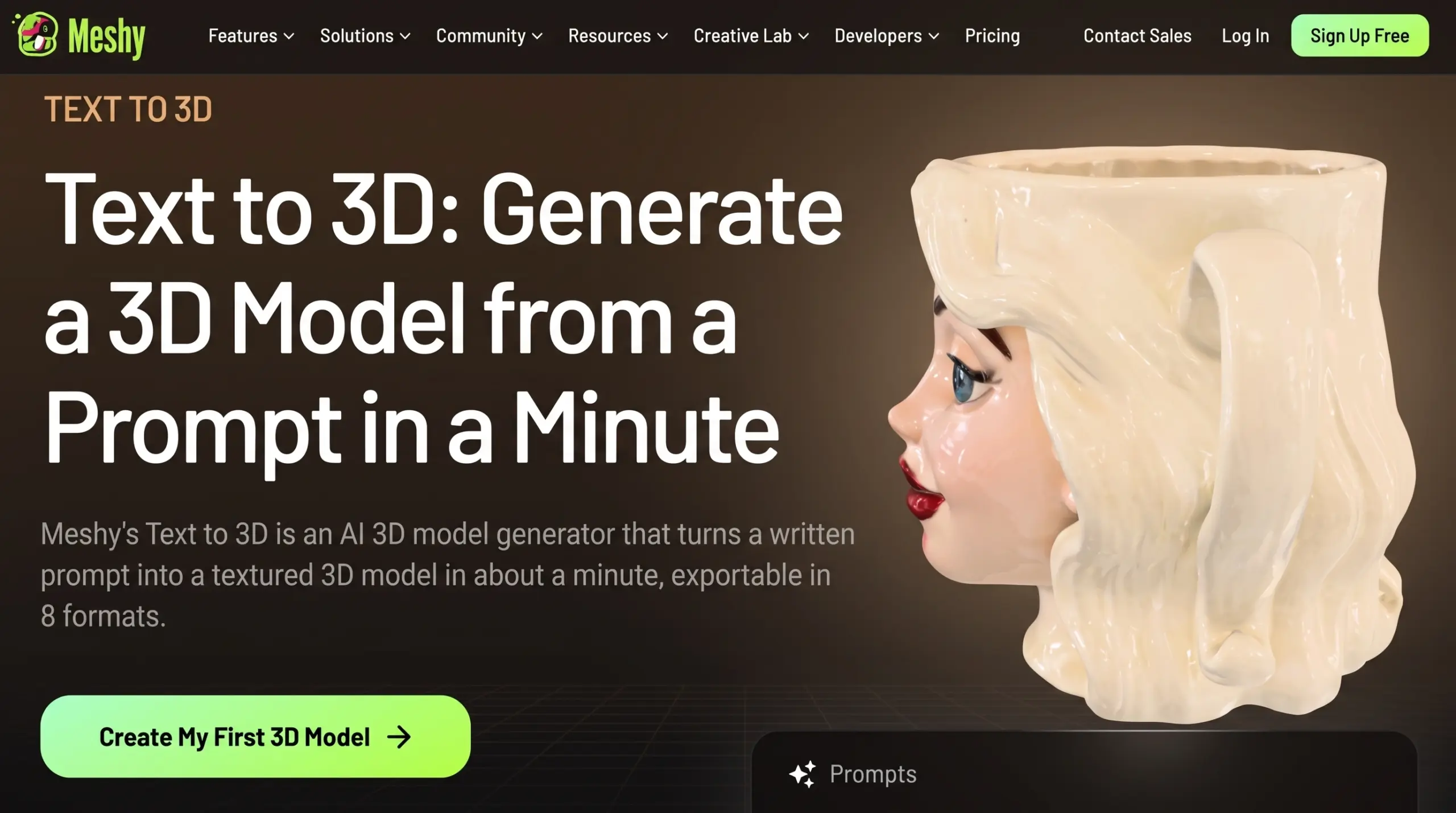
Historically, 3D modeling has been one of the most notoriously steep learning curves in digital media. A single stylized character or detailed architectural prop required a gauntlet of technical processes: poly-modeling, intricate UV unwrapping, baking high-poly details onto low-poly meshes, and complex material node setups.
For indie game developers, rapid prototypers, and digital artists, the sheer time investment required to build a single asset often derailed ambitious projects before they could even enter the alpha testing phase.

Today, that bottleneck is dissolving. The integration of neural networks into spatial design has shifted the paradigm from manual vertex manipulation to prompt-based generation.
At the forefront of this shift, Meshy is one of the leading AI 3D model generators, providing a comprehensive ecosystem that condenses days of manual labor into a workflow of mere minutes. By harnessing advanced machine learning algorithms, creators can now rapidly prototype, refine, and deploy fully textured 3D objects with unprecedented speed.
The Shift from Manual Modeling to Generative AI
The traditional 3D pipeline is highly linear and punishing to iteration. If a game designer needs 50 unique background props to populate a fantasy tavern, manually sculpting each barrel, mug, and candlestick takes weeks of dedicated labor. Generative AI fundamentally alters this math. By allowing creators to define the physical characteristics of an object through natural language, the ideation and creation phases merge into a single seamless step.
Using Meshy’s text-to-3D tool, an environmental artist can input a prompt like “weathered medieval oak barrel with rusted iron hoops and a glowing rune,” and immediately receive a structured, textured, three-dimensional asset. This capability doesn’t just save time; it changes the scope of what small teams and solo developers can realistically achieve.
Core Features Transforming the 3D Pipeline
The true power of modern AI generation lies not just in single-shot novelties, but in providing a robust toolkit that fits into established professional workflows.
Multi-Modal Inputs: Text and Image Generation
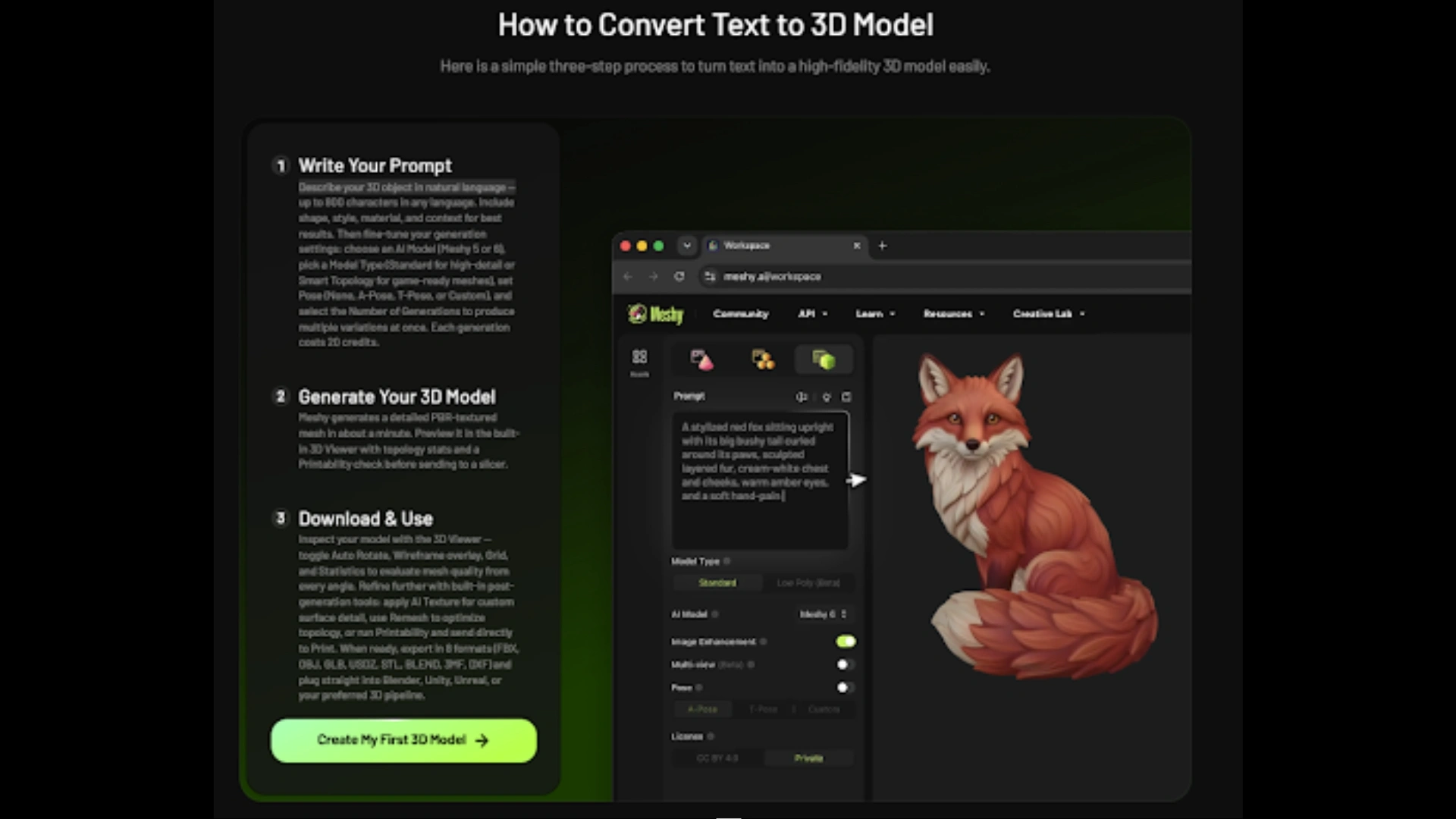
Flexibility is crucial when transitioning from concept art to 3D space. Meshy supports both text and image generation modes to accommodate different stages of the creative process. While text prompts are excellent for rapid ideation, concept artists often need exact translations of 2D designs.
The platform excels here by offering an Image to 3D feature that supports multi-image input for higher accuracy. By uploading several orthographic views of a character or object, the AI cross-references the angles to generate a highly accurate, cohesive 3D mesh that honors the original concept art’s proportions and details.
Advanced Post-Processing: AI Texturing and Rigging
Generating a mesh is only half the battle; texturing and rigging are equally time-consuming. Meshy tackles these hurdles with integrated AI texturing and auto-rigging capabilities. Instead of spending hours painting UV seams in a secondary program, users can direct the AI to generate complex, physically based rendering (PBR) materials that automatically wrap correctly around the generated topology. For character models, the auto-rigging feature intelligently maps a skeletal hierarchy to the mesh, preparing it for immediate animation in game engines.
Accessibility and Export Versatility
One of the most significant barriers to traditional 3D software is hardware requirements. High-end rendering usually requires expensive GPUs and massive storage. Conversely, Meshy is fully browser-based, democratizing access to high-end asset creation regardless of the user’s local hardware constraints.
To facilitate seamless integration into diverse professional pipelines, the platform boasts full export format coverage. Creators can easily export their generated models as STL, OBJ, GLB, or FBX files. Whether the final destination is a resin 3D printer, a virtual reality application in Unity, or a cinematic render in Blender, the exported files are ready for immediate use. Furthermore, developers looking to integrate these generation capabilities into their own applications can utilize direct developer API access.
Step-by-Step Workflow: Bringing Ideas to Life
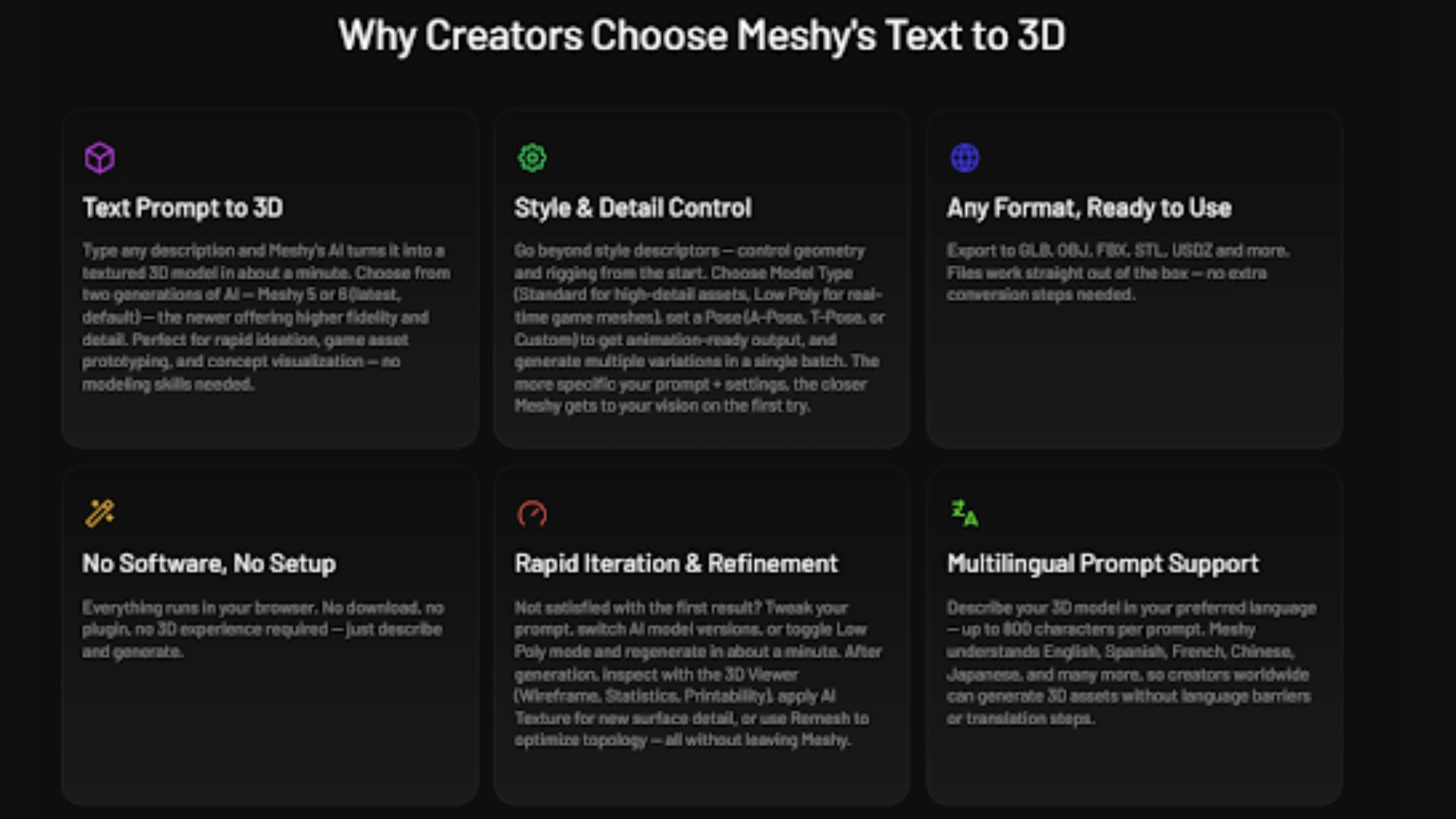
Generating a 3D model using AI requires a slightly different mindset than traditional modeling. Here is a numbered-step breakdown of an optimal workflow:
- Define the Prompt or Input Imagery: Start in the web-based workspace. Decide whether to use a descriptive text prompt or upload reference imagery. For the best results in Image-to-3D mode, utilize the multi-image input feature to provide front, side, and back views of your subject.
- Select Style and Generate: Choose the preferred visual style (e.g., realistic, voxel, cartoon) and initiate the generation. The AI will process the request and construct the topology within minutes.
- Refine and Texture: Once the base mesh is formed, utilize the AI texturing suite. You can prompt the AI to apply specific materials, such as “oxidized copper” or “dragon scales,” which the system will intelligently map to the object’s geometry.
- Utilize the Free Tool Suite and Export: Before finalizing, take advantage of Meshy’s free browser-based 3D Tool Kit. You can run the model through the Converter, inspect it with the Online Viewer, or ensure it is manifold using the STL Repair function. Finally, select your required format (FBX for animation, STL for 3D printing) and download the asset.
Empowering the Next Generation of Creators
The implications of accessible, rapid 3D generation extend far beyond traditional gaming and animation. In the realm of 3D printing, hobbyists who lack technical CAD skills can now materialize their ideas simply by describing them. Architectural designers can rapidly populate virtual mockups with custom furniture, while educators can generate interactive 3D visual aids on demand.
By offering a generous free tier alongside professional API solutions, the platform caters to everyone from curious students to enterprise-level production studios. The friction between imagination and three-dimensional reality has never been lower. As generative algorithms continue to evolve, the ability to conjure complex spatial assets from mere text will become an indispensable standard in digital creation.
Frequently Asked Questions
Does this AI platform require high-end computer hardware to run?
No, the platform is fully browser-based. All of the complex rendering and AI processing occurs on secure cloud servers, meaning you can generate high-quality 3D models using a standard laptop or even a tablet without requiring an expensive, dedicated graphics card.
What file formats are available for downloading my generated models?
The platform provides full export format coverage to ensure compatibility with virtually all modern 3D software and hardware. You can export your creations as STL (ideal for 3D printing), OBJ (universal 3D format), GLB (optimized for web and AR), and FBX (the standard for game engines and animation).
How can I improve the accuracy of a model generated from an image?
While single-image generation works well, the best way to achieve precise results is by using the multi-image input feature. By uploading multiple reference images of the same object from different angles (such as front, side, and top views), the AI can cross-reference the data to build a much more accurate and proportional 3D mesh.
Are there tools to help prepare these models for 3D printing?
Yes, users have access to a free browser-based 3D Tool Kit that is highly beneficial for the 3D printing community. This suite includes a Converter, an Online Viewer, and an STL Repair tool, which specifically helps fix non-manifold geometry and structural errors before you send the file to your slicing software.