 Follow Us on Google News


 Follow Us on Google Discover
Ever wanted to save a photo from Instagram, only to find out that the tools you come across aren’t nearly as good as Snapgram?
Or more frequently: you find another tool that seems free, but ends up being littered with pop-ups, fake “Download” buttons that open advertisements when clicked, and pages that are nearly impossible to use. You end up frustrated before the photo even finishes downloading.
Almost everyone who has ever tried downloading Instagram photos via third-party websites has had a similar experience.
The difference is that some have already found a truly clean solution, while others are still struggling with the same annoying pages.
Snapgram is the answer. It is completely free without limits, has no ads, and the process takes only three simple steps. Serving as a reliable Instagram photo and Instagram video downloader, it handles your media saving needs effortlessly.
This article will show you how to use it from start to finish until the photo is successfully saved to your device.

Instagram Lacks a Save Feature, and That is a Real Problem
The problem is simple but often highly frustrating: Instagram does not provide a download button for photos belonging to other users’ accounts.
Photos can be saved to the “Collections” feature, but that is merely an archive within the application itself.
To move a photo directly to your phone or computer storage? There is no option for that.
This isn’t a bug; it is by design. Instagram wants content to remain within their ecosystem.
But in reality, many users have legitimate needs: saving their own posted work, archiving design references, or keeping a memory from a friend’s account before the content gets deleted.
Consequently, many people look for third-party web tools, e.g. Instagram post downloader. And that’s exactly where the next issue arises.
The majority of sites appearing in search results have confusing user interfaces, ads scattered everywhere, and ambiguous download processes. Additionally, if you need video content, finding a secure Instagram video downloader amidst these sketchy platforms can feel like a minefield.
What requires even more caution: many free tools ask you to log in using your Instagram account credential. What that data is used for afterward is something you can never truly know.
This isn’t an overstatement. Many users have experienced this firsthand and ended up losing complete access to their accounts.
Why Snapgram is the Logical Choice
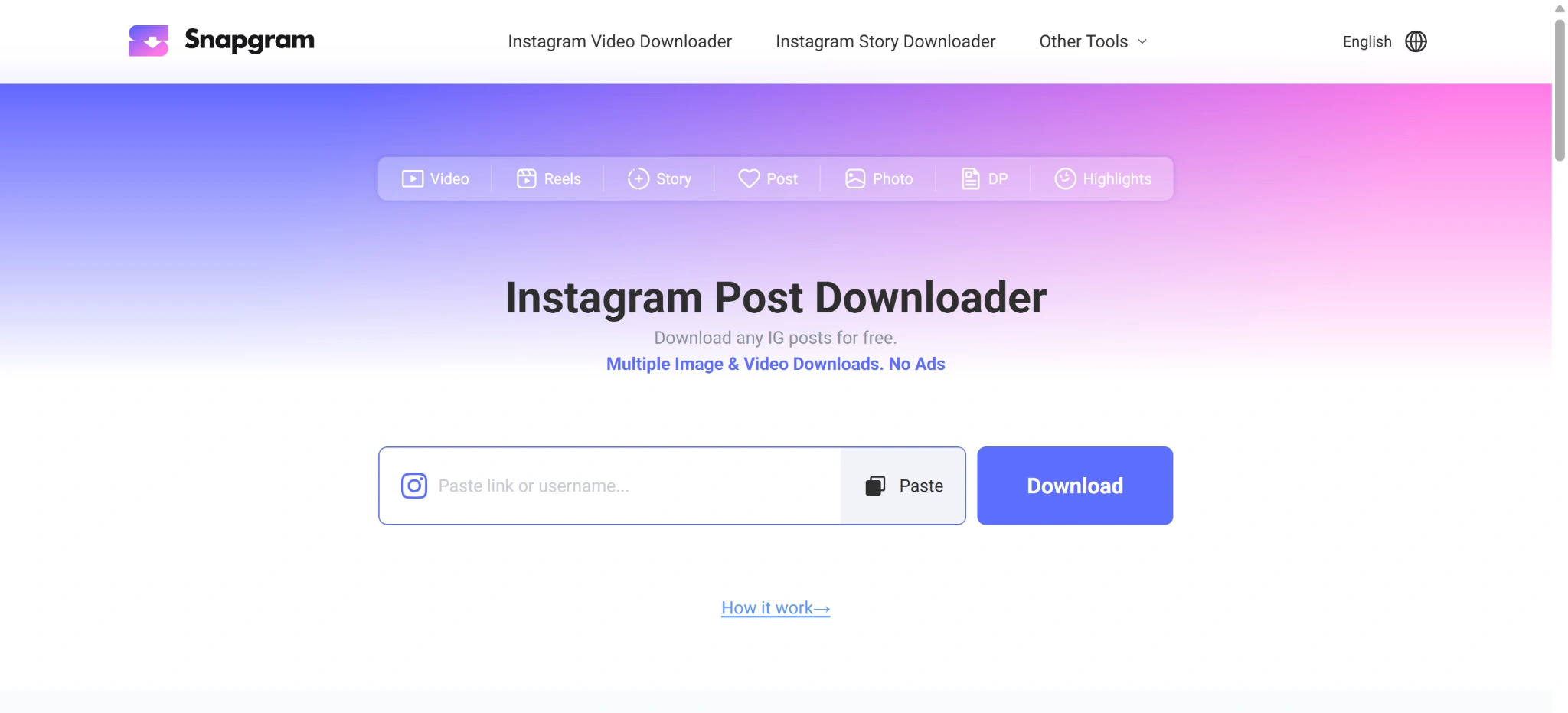
Snapgram stands out not because it has the most features, but because of what it completely lacks: advertisements.
There are no pop-ups, no fake buttons, and no click-traps redirecting you to unrelated pages. The interface is completely clean and immediately ready to use.
Compare this to other tools where you encounter three fake Download buttons before finding the real one, sudden push notification permission requests, and pages redirecting to strange websites. That is not an accident—it is their business model. Snapgram does not participate in that.
Here are some concrete benefits to know:
- Unlimited & Free: There are no daily quotas, and no features locked behind paid subscriptions.
- No Login Required: You never have to hand over your username or password to anyone. The downloading process can be done entirely without an account.
- Original Quality Preserved: The downloaded photos are identical to what the creator uploaded. No downscaling, no re-compression, and no added watermarks.
- Universally Compatible: Works across all browsers and devices—Chrome, Safari, Firefox, Edge, on both mobile phones and computers, without needing any app installations.
What new users appreciate most is that you immediately know which download button is genuine. There is absolutely no guessing involved.
How to Download Instagram Media Using Snapgram
The process is short and straightforward, ensuring anyone can do it—even those who have never used a similar tool before. There are no installations or registrations required.
Step 1: Copy the post link. Open Instagram via your browser or mobile application and locate the photo or video you wish to save. In the app, tap the share icon (or the three dots in the top-right corner of the post) and select “Copy Link.” If you are using a desktop browser, simply copy the URL directly from the address bar.
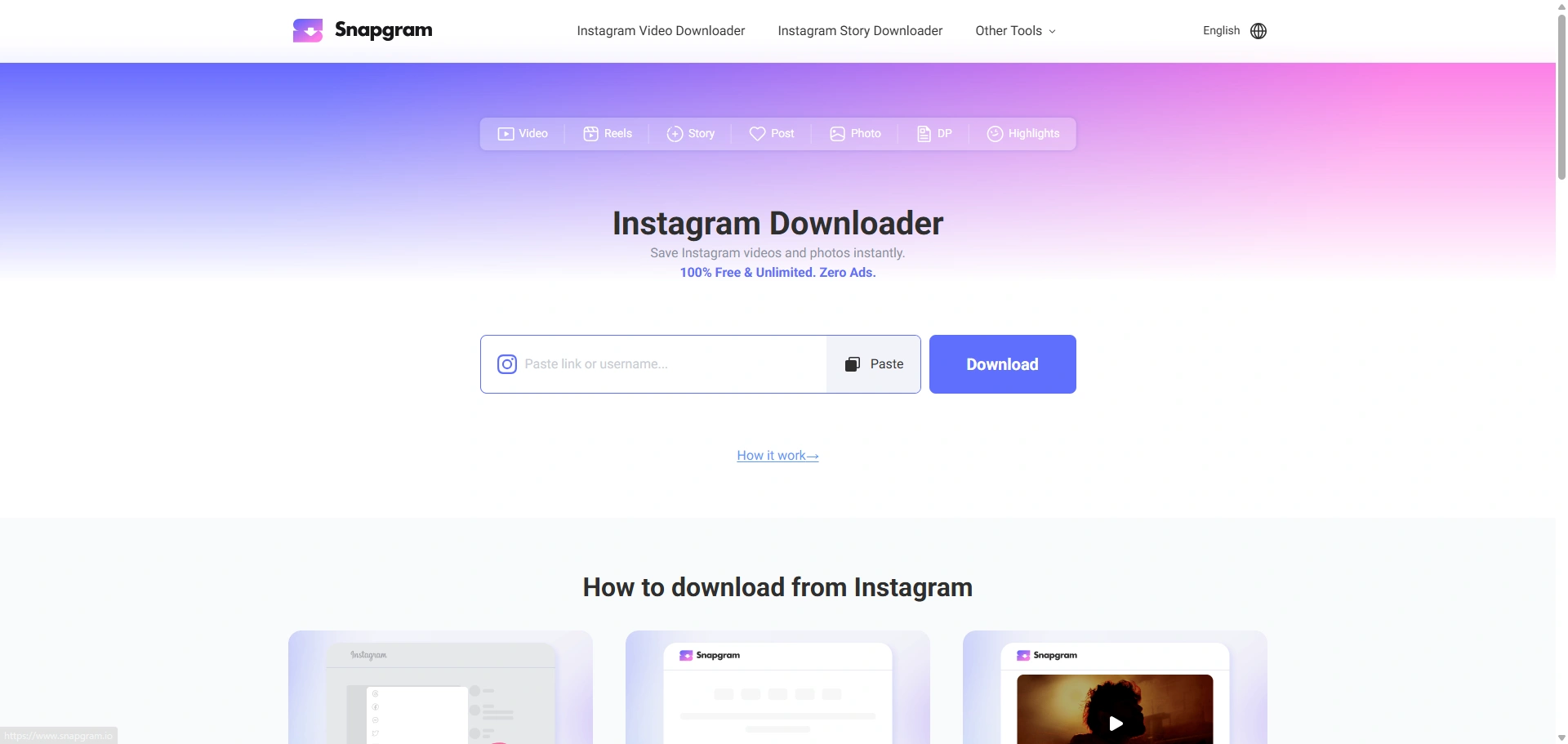
Step 2: Paste it into Snapgram. Navigate to the official website snapgram.io, paste the link into the search box on the homepage, and press the Download button. The backend processing finishes in mere seconds.
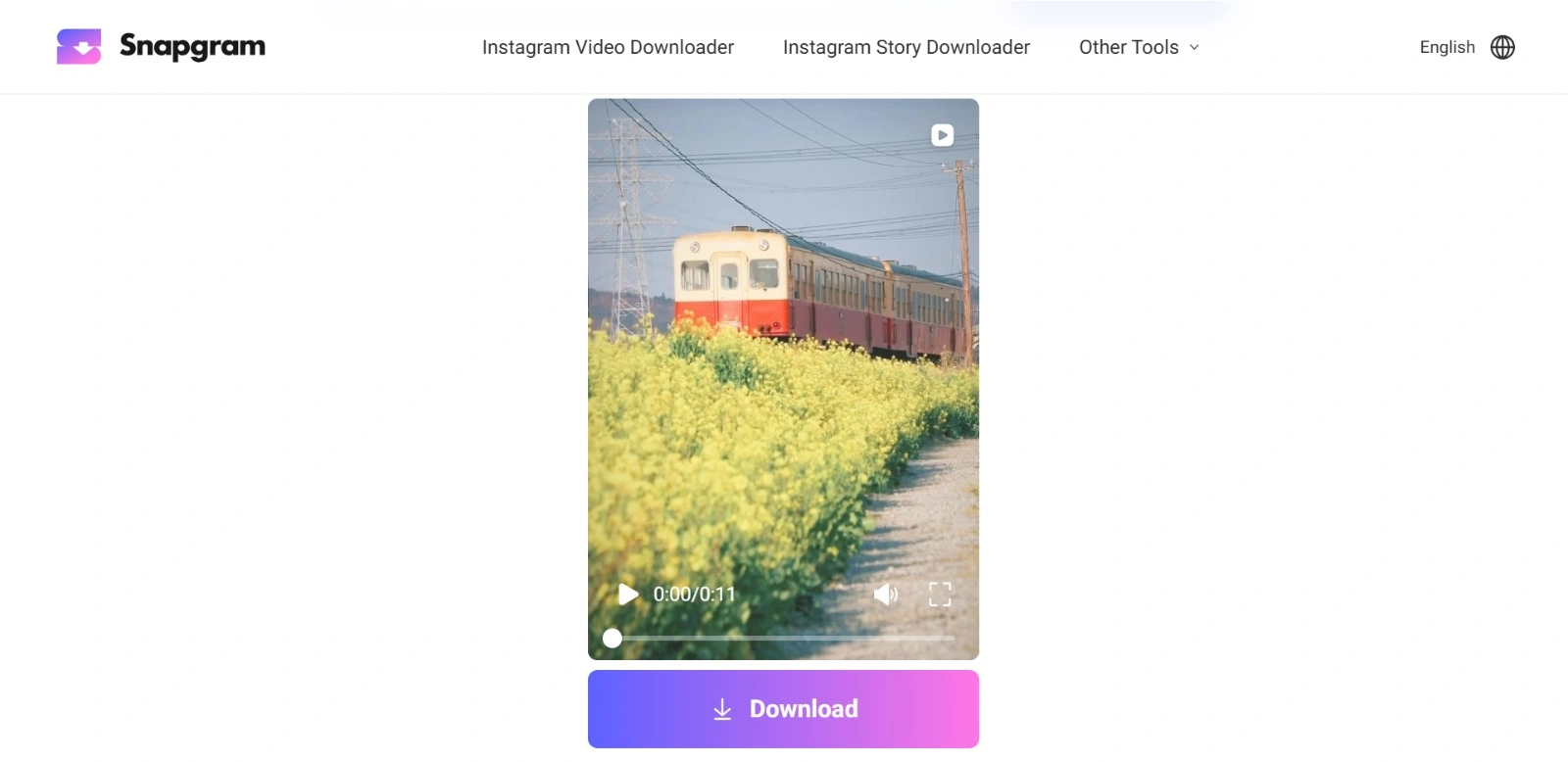
Step 3: Save to your device. The media will appear immediately on your screen. Click the Download button, and the file will route directly to your Downloads folder. Finished!
Note for mobile users: Open the site via your default browser or Chrome for the absolute best performance results. On iOS, files are stored to iCloud Drive or the folder designated in your browser’s download settings. On Android, it goes straight to your local Downloads folder. If the download doesn’t trigger automatically, try tapping and holding the Download button, then choose “Save image/link” from the context menu that appears.
Types of Content You Can Download
The utility isn’t limited just to saving standalone photos. From the exact same interface, it operates as an all-in-one solution, including serving as an efficient Instagram video downloader and an all-around Instagram downloader for public accounts:
- Single Photos and Carousel Posts: All photos within a carousel album can be downloaded simultaneously; there is no need to grab them one by one.
- Reels: Grab short videos in their original uploaded quality without any obstructive watermarks.
- Stories: Content that typically vanishes within 24 hours can be safely archived before expiration, regardless of whether it’s a photo or a video.
- Profile Pictures: Access full-size and full-resolution profile images rather than cropped, miniature versions.
- Highlights: Incredibly useful for archiving Highlights folders from public profiles before the original creator removes them.
Conclusion
Saving Instagram media shouldn’t be as convoluted as it usually is. With Snapgram, the entire flow is distilled into three swift steps, taking seconds of your time without intrusive ads blocking your way.
No logins, no registrations, and absolutely no hidden tricks. Whether you are a regular user saving content for design references, building a personal archive, or just collecting photos, this tool deserves a permanent spot in your browser bookmarks.
It is also highly beneficial for content creators who wish to archive their own published works without relying on low-quality screenshots that degrade visual integrity. Try it once, and you’ll likely wonder why you didn’t discover it sooner.