
 Get Guardian on Google
Quick Answer: To recover data from your GoPro, stop using the microSD card immediately to prevent overwriting the data. Connect the card to a computer using a card reader, launch Wondershare Recoverit, select the GoPro drive, and run a scan. This will allow you to preview and restore deleted GoPro files even if the card was formatted or corrupted.
GoPro SD Card Recovery
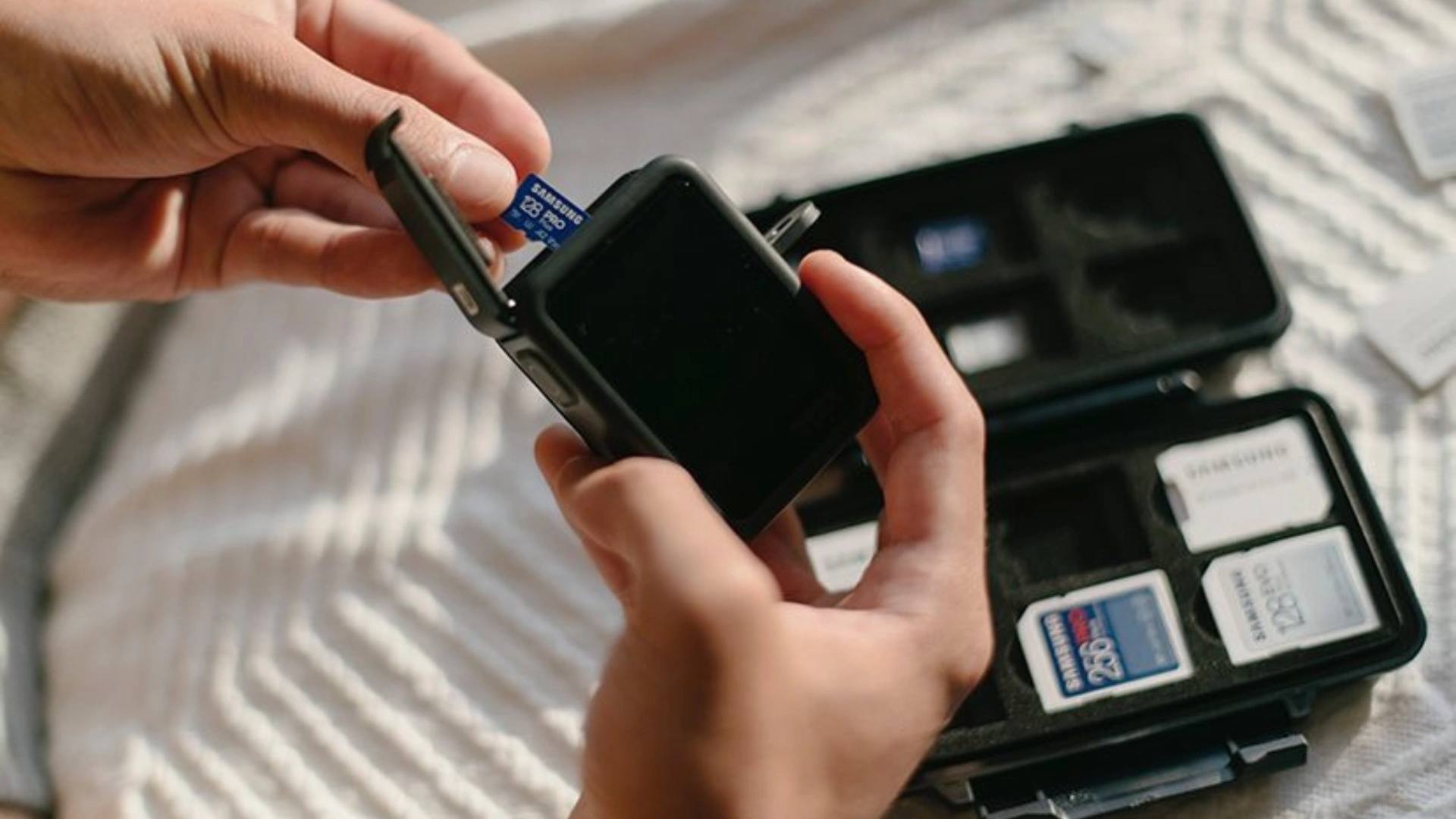
GoPro cameras are the ultimate tools for capturing high-octane sports, breathtaking travel vistas, and creative vlogs. Whether you are mountain biking down a ridge or diving in tropical waters, your GoPro stores those irreplaceable memories on a tiny microSD card. However, the rugged environments where GoPros thrive can often lead to digital mishaps.
Accidental deletion, accidental formatting, or a sudden “SD Card Error” can make it seem like your hard-earned footage has vanished. The good news is that GoPro SD card video recovery is highly successful if you act quickly. Since the camera writes data in a specific way, the files usually remain on the card’s sectors long after they disappear from the camera’s gallery.
Why GoPro Files Get Lost
Several factors can lead to data loss on an action camera:

- Accidental Deletion: Tapping the wrong button in the GoPro menu while reviewing clips.
- Formatting the Card: Initializing the microSD card in-camera before transferring the previous day’s shoot.
- Battery Failure: If the GoPro dies while recording, the video file may not “close” properly, leading to corruption.
- Card Corruption: Frequent swapping of cards or low-quality flash memory can lead to file system errors.
- Transfer Interruption: Unplugging the USB cable while moving files to a laptop.
What Types of GoPro Files Can Be Recovered?
A professional recovery tool can retrieve various data types from your action camera:
- MP4 Video Files: The standard high-definition and 4K/5K video clips.
- Photo Bursts: Rapid-fire images captured during high-action moments.
- Time-Lapse Images: Individual frames used to create time-lapse sequences.
- Metadata Files: The .THM and .LRV files that GoPro uses for previews and processing.
What to Do Immediately After Losing GoPro Files
The moment you realize footage is missing, follow these steps:
- Stop using the card: Do not take another photo or video. New data is the number one enemy of recovery.
- Power down: Turn off the GoPro and remove the microSD card.
- Store safely: Keep the card in a dry, static-free case.
- Use a Card Reader: Avoid recovering via the GoPro’s USB cable. A dedicated card reader provides a more stable connection for deleted GoPro footage recovery.
Step-by-Step: How to Recover GoPro Files from an SD Card
To recover GoPro videos safely, we recommend using Wondershare Recoverit. Its advanced algorithms are specifically tuned for large video files.
- Connect the Card: Insert your microSD card into a reader and plug it into your PC or Mac.
- Launch Wondershare Recoverit: Open the software and locate your GoPro SD card under the “SD Card Recovery” section.
- Scan the Card: Click Start. For high-resolution GoPro footage, Recoverit will perform a deep scan to find every fragment of the video.
- Filter and Preview: Once the scan is done, use the “File Type” filter to select “Video.” You can double-click a video to preview it and ensure it plays smoothly.
- Recover: Select your files and click Recover. Choose a folder on your computer’s hard drive (not the SD card) to save the restored files.
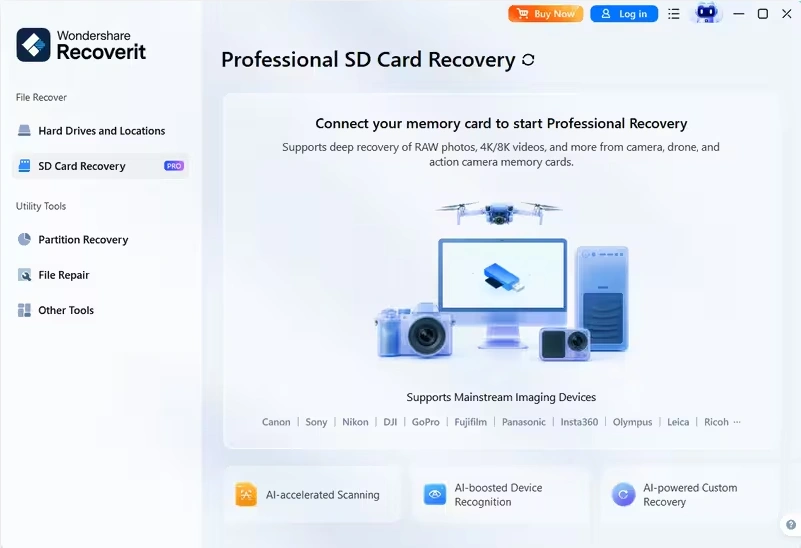
Why Wondershare Recoverit Is a Great Fit for GoPro
Wondershare Recoverit stands out as a professional GoPro sd card recovery solution because of its “Enhanced Video Recovery” technology. GoPro cameras often fragment large 4K files across the SD card. While basic tools might recover a broken, unplayable file, Recoverit “stitches” these fragments together. This ensures your high-frame-rate videos are restored in their original quality without stuttering or artifacts.
Tips to Protect GoPro Footage
- Backup Daily: Transfer your files to a laptop or cloud storage after every session.
- Use Quality Cards: Stick to “v30” or “v60” rated cards from reputable brands like SanDisk or Samsung.
- Format in Camera: Only format your card using the GoPro’s internal menu, and only after confirming your backup is safe.
- Watch the Battery: Change your battery before it hits 5% to avoid file-writing errors.
Conclusion
Don’t let a technical glitch ruin your adventure highlights. By acting fast and using a specialized tool like Wondershare Recoverit, you can perform GoPro SD card recovery with confidence and get back to capturing the action.