
 Get Guardian on Google
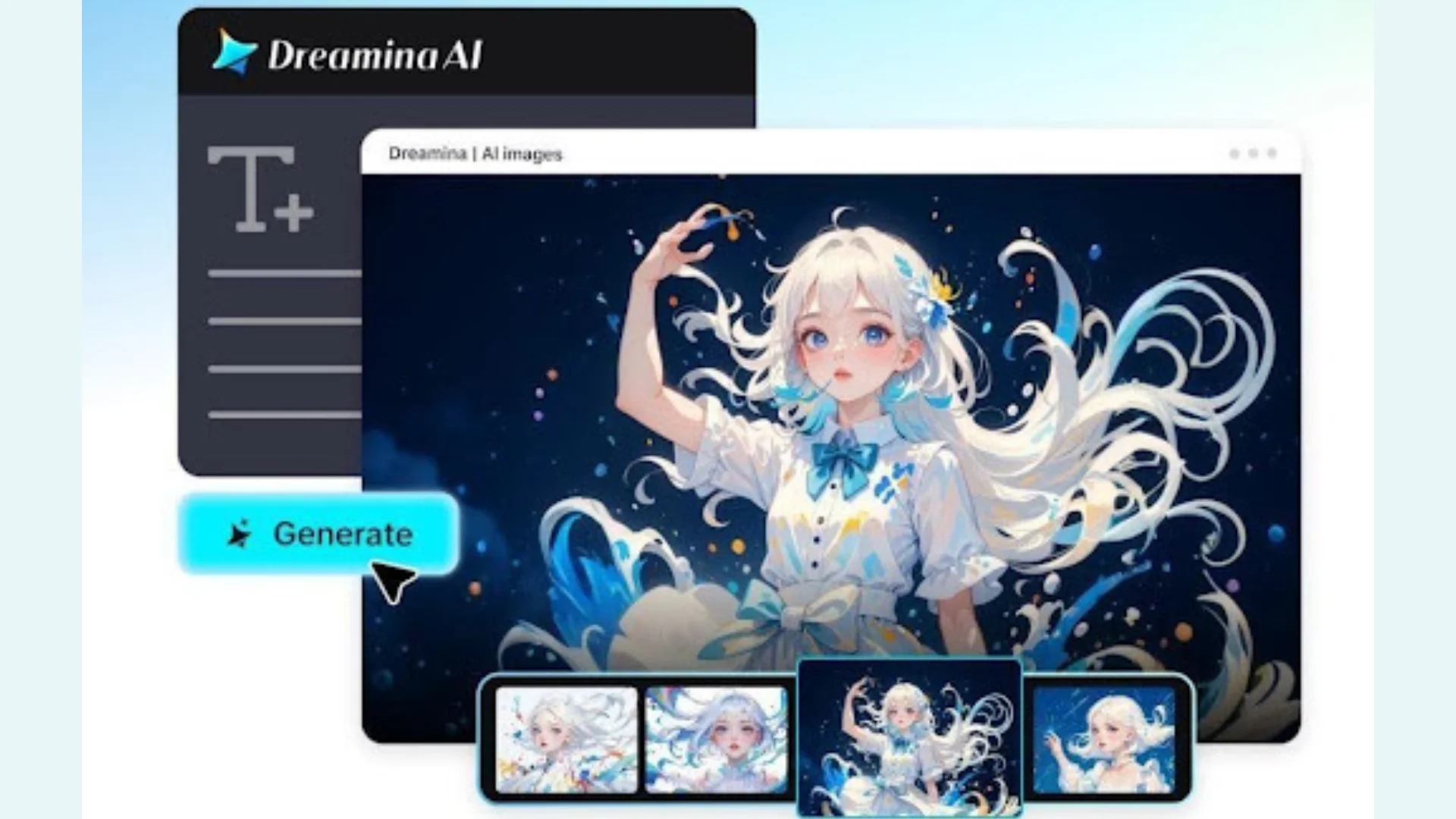
AI avatars are proving to be useful tools for creative content in promotional videos, product demos, and brand presentations. They help businesses with digital presenters who present product information in an interesting way. But alluring characters and meticulously crafted backdrops aren’t enough for convincing presentations. When an avatar speaks, the movements of its mouth and other visible parts should be in sync with the desired words. If it is not synced correctly, it will distract viewers and dilute the message. Dreamina’s Marketing Studio is an all-in-one creative hub that includes product references, avatar assets, and AI-generated videos. The video creation features bring marketing concepts to life as presenter-led video promotions. Knowing how to prepare the script, select the right avatar, and refine the visuals leads to more consistent marketing videos.
Why Script and Avatar Synchronisation Matters in Marketing Videos
Synchronisation correlates an avatar’s mouth movements with the timing and patterns of speech. This can be distracting, and when these elements don’t match, viewers might see movements that don’t seem like they are from a real person, rather than processing information. This disturbance is especially evident when explaining products and when making promotions. An effective digital presenter must have the right facial expressions, lip-syncing, and coherent visual presentation. All of these factors help to make the viewing experience more unified. A marketing studio tool facilitates the organisation of product references, directions for creating content, and video production with avatars. But making a script isn’t the same as making a visual presentation. The script sets the message, and video generation takes care of the creative directions. The generated visuals are easier to represent the intended communication if there is careful preparation.
Prepare Scripts That Support Natural Avatar Presentations
With good scriptwriting, the foundation for effective avatar communication is set. Dialogue should be conversational, not like a formal product document. Short sentences are easier to follow in explanations and for maintaining a consistent pace of presentation. A lengthy description can be broken up into individual spoken units and still retain the meaning of the original description. Punctuation also conveys the speaker’s intended pause, emphasis, and shift in the rhythm of speech. Do not ignore brand names, technical terms, and product specifications before generation. Some words may need extra pronunciation assistance or manual checking. Get the main product benefit out of the way early, creating relevance. Details may be arranged in a logical order after the support. Use the same words and tone throughout the presentation. Recognisable communication enhances message continuity, whether it’s introducing a product or explaining its features.
Choose an Avatar That Matches the Brand’s Communication Style
The choice of avatar can shape people’s perception of the personality and presentation of a promotional video. The look of a product introduction by a professional may be different from a creator-style ad. In Dreamina’s Marketing Studio, creators can either reference avatars or browse through the available assets. Choose a presenter that fits the product and target audience. The clothing, background, framing, and presentation style should reinforce the visual direction of the campaign. Product images may be added to the image of the avatar, thus forming a unified promotional composition. The positioning is clear, so that people can see the relationship between the presenter and the item presented. Having the same avatar references also ensures that visual identities are easily recognisable when dealing with related marketing materials. When creating several promotional videos, it’s advantageous to reuse appropriate creative assets for continuity.
Sync Avatar Lip Movements to Scripts with a Marketing Studio Tool
Step 1: Upload your product and pick a speaking avatar
- First, sign up or log in to Dreamina so you can start your lip-sync project.
- Next, open “Marketing Studio” from the left bar on the Dreamina home screen to begin.
- Choose “AI video” for talking clips or “AI image” for still visuals. Use “AI agent” when you want image and short video creation together.
- In “AI video”, select “Change style” to pick the look you want for your video.
- Click “Product” to upload your product photo, then click “Avatar” to bring in a presenter. You can also pick ready-made products and avatars from the library to save setup time.
- Later, write a prompt describing the look and feel, including the script your avatar speaks. Feel free to add custom direction for tone, pacing, or emphasis.
Step 2: Match speech timing and generate the video
- Click the “Reference” tab to add a video showing the AI your preferred look and delivery.
- Choose a model such as HappyHorse 1.1, Dreamina Seedance 2.5, Dreamina Seedance 2.0, Dreamina Seedance 2.0 Fast, Dreamina Seedance 2.0 Mini, Wan 3.0, and more.
- Select a custom aspect ratio and resolution from the “Aspect ratio” and “Resolution” tabs.
- Click the “Duration” tab to set a video length that fits your full script.
- Use the “@” option to mention or highlight the product while your avatar speaks.
- Finally, click the “Generate” tab to start creating your lip-synced video.
Step 3: Check the sync and download the final clip
- Watch the finished video on full screen first. Check the product framing, the avatar’s delivery, the pacing, and how closely the lips match each word.
- If the sync feels off, use “Edit prompt” or “Regenerate” to refine the results.
- You can also use “Edit in canvas” to edit with full freedom. Replace the background, add effects, or crop the video there.
- Once you feel satisfied with the result, click “Download” to save the video and share it across your marketing channels.
What Influences the Quality of Avatar Lip Synchronisation?
The factors that affect the convincingness of the representation of the speech dialogue by the generated avatars are several. Script clarity is still important, as understandable sentences will be a better foundation for presentation. Longer dialogues can lead to pacing issues and make it more difficult to see the dialogue visually. Good avatars also retain familiar facial features when the image is synthesized in a scene. Video-generation models affect character movement, character presentation, and visual continuity. Dreamina’s Seedance models enable the generation of videos with motion control and character consistency. But not all movement generated is necessarily correct just because of the capabilities of the model. The actual speech content should be reviewed in conjunction with the visible mouth movements. Check facial expressions/transitions/speaking rhythm before giving final approval to the presentation. Audio to mouth should also be checked and not assumed based on visual generation.
Refine Avatar Delivery for More Convincing Promotional Videos
Refining aids in ensuring that visuals created are in line with the desired marketing message. Make adjustments to prompts for the presenter’s positioning, gestures, facial expressions, and direction of the scene. You can use reference videos to help you with creative composition and presentation style. Background changes also minimise distractions near the important product information. For presenters who need to stand out from the background, opt for simple settings. Keep the product in the same position throughout the promotional piece. The featured item should be easily recognisable and not unnecessarily clutter the avatar. The canvas workspace is another feature that Dreamina’s Marketing Studio offers when editing generated videos. Cropping, background replacement, and visual effects give further control of presentation. ALWAYS review the entire video before posting on marketing platforms.
Where Synchronised Avatar Videos Fit Into Marketing Content
Synchronised avatar presentations are useful for a number of marketing formats on digital platforms. Digital Presenters can be used in product introductions to capture attention and explain key features and specifications. Ecommerce sellers can develop demos that relate product imagery with informative dialogue. Creator-style presentation and promotional storytelling can be used in social media ads. Organised communication through presenter-led brand announcements and educational explainers also helps. When supported multilingual campaigns are available, this is another use case. Creative dimensions can be customised for various publishing locations. Reusing product and avatar references helps to keep the branding of related assets recognisable. There are appropriate messages, timing of presentation, and visual cues for each format. Carefully choosing these elements will make promotional videos effective in communicating information.
Conclusion
Understandable scripts, the right presenters, and good video generation efforts are all that’s needed to make effective avatar-led marketing. Dreamina’s Marketing Studio combines product references, avatar resources, and AI video generation. It is designed for a creative workflow for promotional videos, product presentations, and branded presentations. But the creation is only half of the creative process. Checking mouth movements, facial presentation, product placement, and pacing is still crucial. Careful refinements can help ensure that the visuals produced match campaign needs. In the end, effective digital presentations start with a clear message and visual clarity.